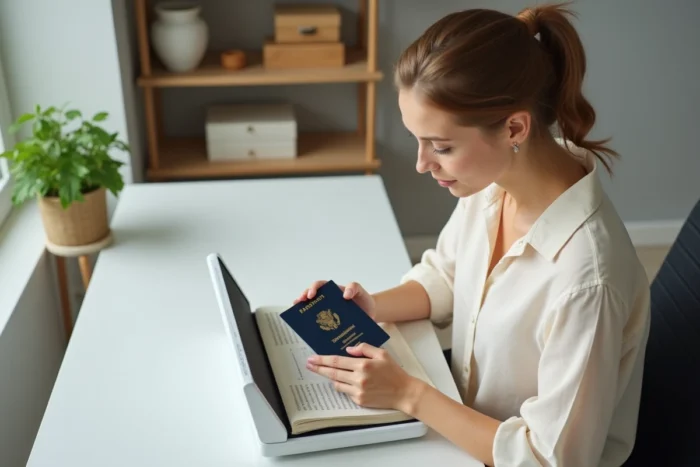
You need to send a copy of your passport for registration, a reservation, or an administrative file. You open the scanner, place the document, and the result is blurry, cropped, or too large to upload. Knowing how to properly scan the passport identification page avoids having to redo it three times and especially sending an unusable file. The problem almost never comes from the hardware, but from what is being scanned and from what one thinks can be done with the result.
Backup copy, proof, and travel document: three statuses not to confuse
Before starting any scanning, a distinction needs to be made. A passport copy can serve three very different purposes, and confusing them creates concrete blockages.
The backup copy is the one you keep on your phone or in an online storage service. If your passport is lost or stolen abroad, consular services rely on this copy to expedite the issuance of a replacement document. Canadian consular authorities also recommend keeping a digital copy of the identification page separately from the original.
The accepted proof, on the other hand, responds to a specific request from an organization: bank, university, administration. It must meet a format (often PDF), a minimum resolution, and sometimes a maximum file size. It is not the same as a hastily taken photo.
The third status, that of a travel document, simply does not exist for a copy. No digital copy replaces a passport at borders. Even the France Identité app, now usable at French airports for check-in and boarding, only works with the identity card, in France, and under eligibility conditions related to age, type of card, and smartphone. It does not cover the passport.
To know precisely how to scan or copy a passport by targeting the right page, one must first understand this hierarchy of uses.
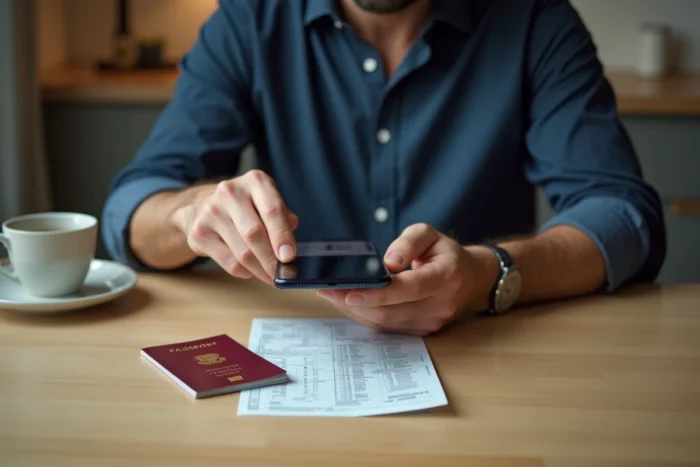
Scanning a passport with a smartphone: the method that works
Most people do not have a flatbed scanner at home. This is not a problem. A recent smartphone produces perfectly usable results, provided you follow a few simple rules.
Which page of the passport should be scanned
The useful page is the one that bears the photo, name, date of birth, document number, and the machine-readable zone (the two lines of characters at the bottom). It is the identification page, usually page 2. The other pages are only useful if a visa or stamp is explicitly requested.
Settings and positioning
Place the passport open flat on a dark, uniform surface. The central binding of the passport tends to create a shadow or distortion. Hold the page with a finger placed outside the frame of the photo, or use a transparent object to flatten it.
- Natural front lighting, without flash (the flash creates a white reflection on the laminated page)
- Close framing on the open double page, in landscape mode
- Highest resolution offered by the scanning app, then export in PDF format
- Immediate verification: zoom in on the produced file to check that the passport number and the machine-readable zone are legible
The native scanning apps integrated into smartphones (Notes on iPhone, Google Drive on Android) automatically detect the edges of the document and correct the perspective. They are sufficient in the vast majority of cases.
PDF format and file size: the constraints of online procedures
Producing a sharp image is not enough. The file must also be accepted by the submission platform. This is where many attempts fail.
Online administrative services, such as those of France Titres (formerly ANTS), impose format and size constraints. The PDF format is the most commonly required. Some portals accept JPEG, but with a weight limit often set to a few megabytes.
Why might a file be rejected even though the image seems correct? Two common causes:
- The file exceeds the maximum weight because the resolution is too high for a simple proof. Reducing the resolution to an intermediate level (around the “document” quality offered by the app) solves the problem without degrading readability.
- The file is in an unaccepted format (PNG, HEIC on iPhone). It needs to be converted to PDF or JPEG before submission.
- The scanning captured the page at an angle, and the automatic cropping cut off part of the machine-readable zone. This detail goes unnoticed to the naked eye but can lead to rejection.
Always check the specifications indicated on the submission page before preparing your file. Each service sets its own limits.
Paper copy at the town hall or photocopier: what changes
Some procedures still require a paper copy, especially when making a physical submission at the town hall. The classic photocopier remains the appropriate tool.
The main trap with a passport is its format. Smaller than an A4 sheet, the booklet tends to move on the copier glass. Result: blurry text or misaligned page. The solution is to press the open passport against the glass, with the identification page facing down, and gently lower the lid without letting it press down with all its weight on the binding.
Some multifunction copiers offer a “passport copy” mode that prints both sides of an identity document on a single sheet. This mode is useful for identity cards, but for a passport, it is better to copy only the identification page in full page, unless instructed otherwise by the requesting organization.
Digital file security: what you store and where
A digital copy of a passport contains all the information necessary for identity theft. Storing it anywhere is like leaving your passport open on a café table.
Avoid keeping the file in your photo gallery automatically synced to an unsecured cloud. Prefer a digital safe or an encrypted folder on your phone. Delete intermediate copies (drafts, poorly framed versions) that often remain in the trash or in recent files.
The ecosystem of administrative procedures in France is moving towards secure and one-time-use proofs, with increasing interoperability between public services. This evolution gradually reduces the need to send passport copies by email, a channel that offers no guarantee of confidentiality.
The passport copy remains a practical tool for your procedures and a safety net while traveling. Its value entirely depends on the quality of the scanning and the care taken in its storage. A clear file, in the right format, submitted in the right place, will save you from back-and-forth with the administration.